FPDS Is Dead: How to Search Federal Contract Awards in SAM.gov
Watch the original Substack video, or listen below while you read.
If you typed FPDS into Google today, you ended up on SAM.gov. That is not a redirect glitch. SAM.gov absorbed FPDS, and the contract-award research most contractors used to grind through on that ugly old interface now lives inside a tool that is actually usable.
Why Searching Federal Contract Awards Matters
If you are selling to the federal government and you are not searching past awards, you are guessing. Past awards tell you who got paid, how much, by which agency, under what set-aside, against how many competitors, and when the contract expires. That last detail is the wedge. A three-year IRS bookkeeping contract awarded last year is a 2027 opportunity you should be working now, not when the RFP drops.
The One Rule Before You Start in SAM.gov
You have to be logged in. FPDS did not require it. SAM.gov does. Create an account, sign in, then go to Search. Once you are inside the system, you can move between historical awards, current opportunities, and saved searches from one place.
How to Search Contract Awards in SAM.gov
From the home screen, go to Search, then Contracting, then Contract Awards. Do not confuse this with Contract Opportunities. Opportunities are for things you may want to bid on. Awards are the historical record.
Filter on Date Signed first. A blank recent search can return thousands of awards with no other filters applied. That is the firehose. Narrow from there by agency, Product Service Code, NAICS, set-aside, place of performance, or keyword.
Click any contract ID and you get the full record broken into sections: awardee information, UEI, address, performance details, solicitation details, and competition. The competition tab is the one many people skip, and it is often the one that matters most. It tells you the extent competed, the type of set-aside, and how many offers came in.
PSC vs. NAICS: Why Neither Is Enough
Product Service Codes are usually more specific than NAICS, so they are often a better starting point for narrowing your research. But contracting officers can use several different codes to buy the same thing. A PSC search shows you a slice of the awards, not all of them. Do not assume your code is comprehensive.
Keyword Searches: Trust, But Verify
To accurately find contracts that have been awarded for what you sell, you will often need keyword searches. You might get lucky with a niche PSC, but more often than not, keywords are your best friend.
Experiment with technical terms that are specific to your product or service. Avoid broad terms that appear in too many unrelated awards. Generic searches such as "database" or "services" can bury the useful records under noise.
From Contract Research to Real Opportunity
The goal is not just to admire old contract data. The goal is to spot recompetes, identify active buyers, understand the competition, and start shaping opportunities before they become crowded solicitations.
Switch from Contract Awards to Contract Opportunities, then filter Notice Type to Sources Sought. A sources sought notice is the government raising its hand before a solicitation: there is money, there is a requirement, and the agency wants to know who is in the market.
You do not win a contract from a sources sought response by itself, but you can shape the requirement, get on the radar of the program office, and learn what is coming before the market piles in.
Save the Search and Get Notified
This is the function most people do not know exists. After running a search, hit Actions, choose Save This Search, name it, then go to your saved searches and turn on notifications. SAM.gov will email you when new opportunities match. Set it once and let the system keep watch for you.
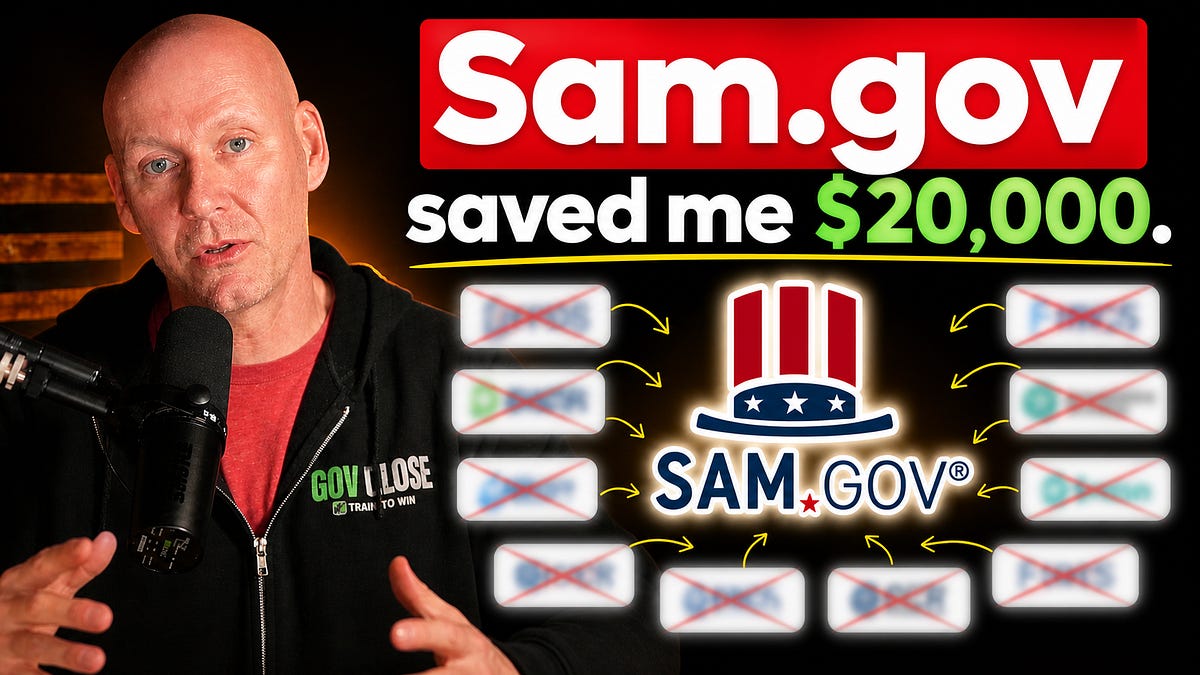
At one point, I was spending over $20,000 a year for government contracting tools that helped me do research. Today, I spent zero but used the full functionality of USAspending.gov and SAM.gov.
Bonus: OTA Awards Are Now Visible
Other Transaction Authority used to be a black box. SAM.gov now surfaces awarded OTAs under Contracting, then Other Transactions. You still will not see every OTA opportunity on SAM.gov, but you can finally see who is winning them, which is half the intelligence battle.
The Bottom Line
If you are in government contracting in any capacity, whether as an owner, salesperson, consultant, or career professional, you need to know SAM.gov. Every paid tool you are considering pulls from public federal data somewhere. For many contractors, SAM.gov plus USAspending.gov is enough to build a serious research workflow.
Ready to go pro?
The GovClose Professional Training Program is built for people ready to commit to learning a new skill set, implementing that skill set, and working with a community of professionals who are serious about winning in the federal market.
If you think you have what it takes, set up an enrollment interview with the GovClose advisory team.